
GoLynk 3.0: what's new for Swiss freelancers and SMEs (invoicing, accounting, point of sale)
GoLynk 3.0, the Swiss business software for freelancers, simplifies navigation (Ctrl K search, "Create" button), scans receipts as photos or PDFs, flags overdue invoices, automates payment reminders, imports bookkeeping from Bexio or Banana and launches the GoLynk Work point of sale. Your data stays as it is.
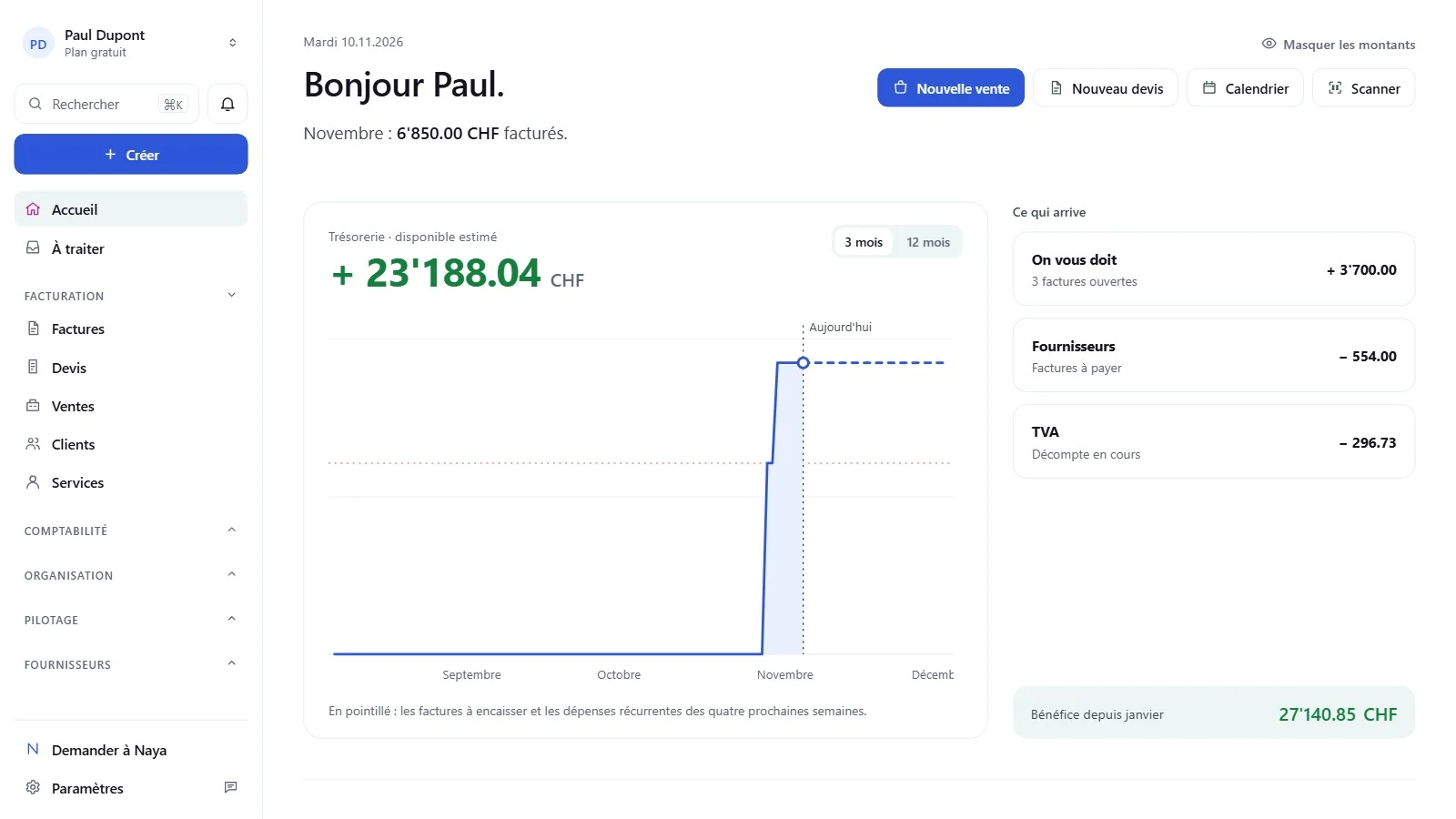
GoLynk 3.0 is the new version of the Swiss business software for freelancers, sole traders and SMEs. Your accounts, invoices and clients stay exactly where they are: only the interface and a few tools change. The goal is simple: reach the right page faster, see straight away what needs your attention, and spend less time on admin.
At a glance: what's new in GoLynk 3.0
- A simpler interface: menu on the left, Ctrl K search (⌘K on Mac) and a "Create" button
- A mobile app built for your thumb: bottom bar, + button, long press
- An "Overdue" tab for invoices, receipts and quotes
- Emails sent from your own address (Gmail, Outlook, your own server or GoLynk)
- Up to five automatic payment reminders per invoice (GoLynk Pro)
- Document scanning: receipts as a photo or PDF, invoice QR codes from your phone
- Import of bookkeeping kept in Bexio or Banana
- Accounting exports in English, French, German and Italian
- Unlimited tasks, even on the free plan
- GoLynk Work, a point of sale ready in five steps (GoLynk Pro)
An interface that's easier to find your way around
Your pages are organised as before, but the path to reach them is shorter. The menu sits on the left and groups pages into four areas: Invoicing, Accounting, Organisation and Management.
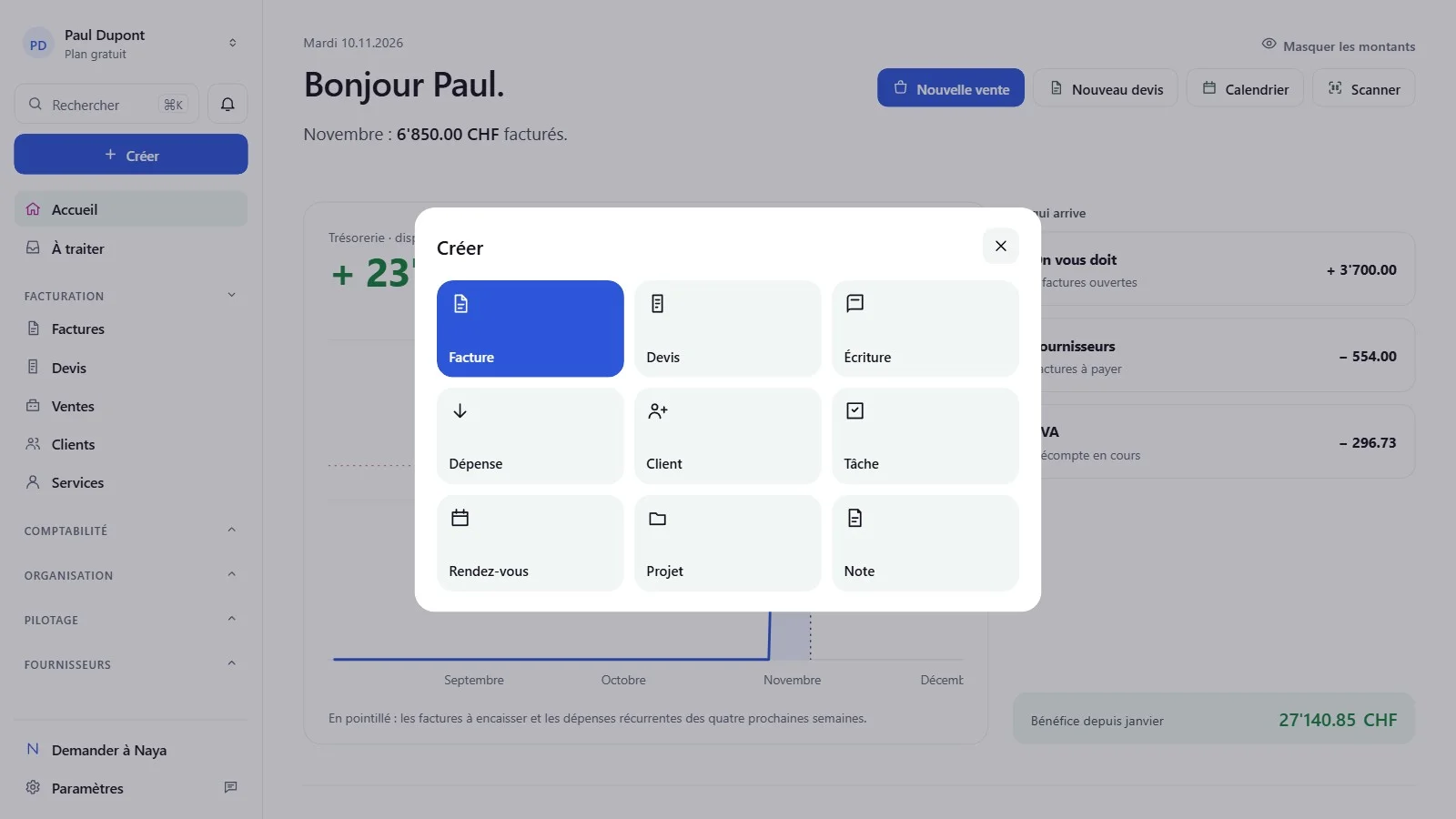
- Ctrl K opens search (⌘K on Mac): look up a client, an invoice number or the name of a page.
- The "Create" button, right below search, starts a quote, a sale or an expense without hunting for the right page.
- Invoices open in a side panel: the list stays visible while you read.
- Naya has its own place in the menu: the assistant prepares the journal entry and you approve it, just as before.
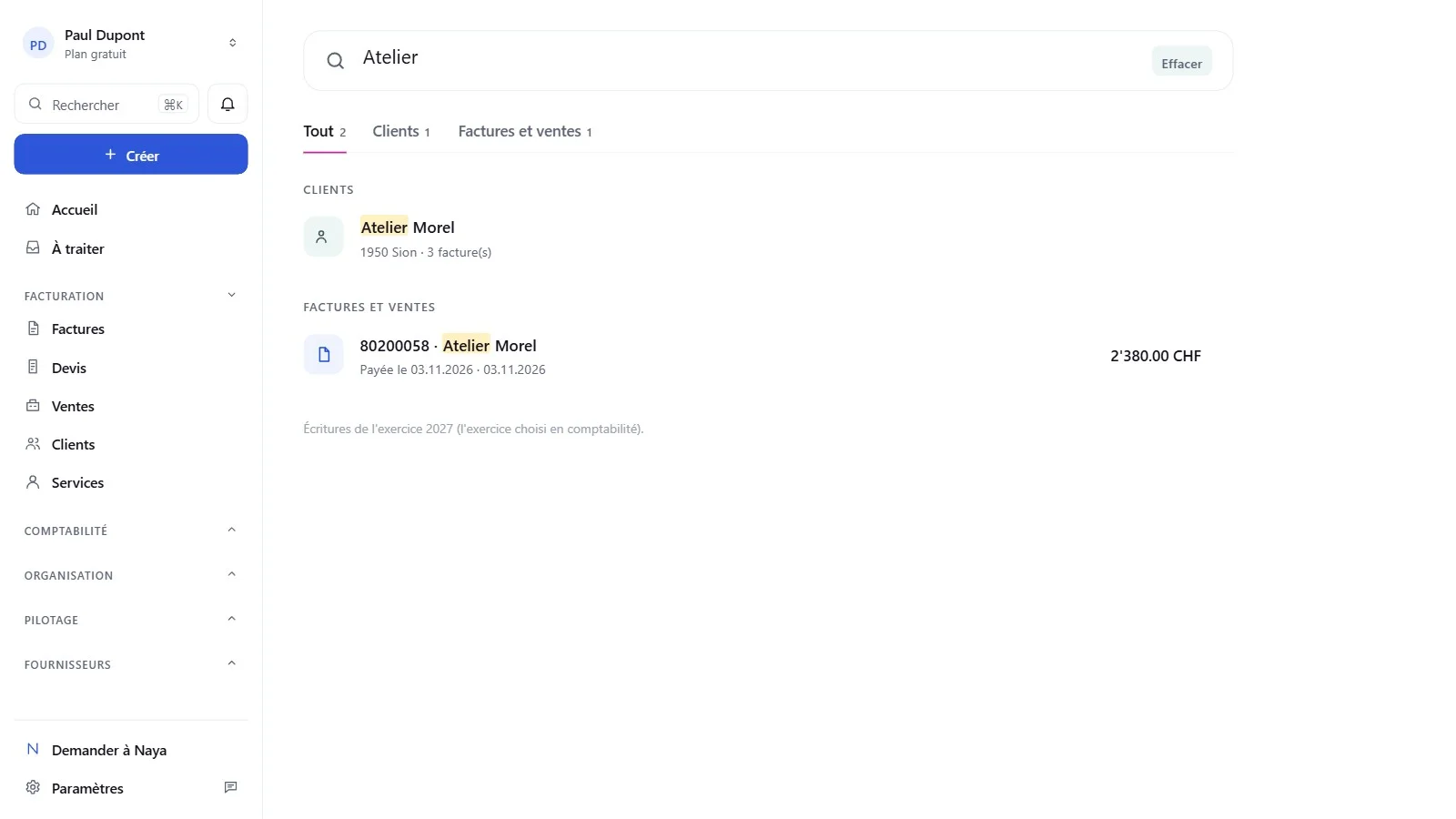
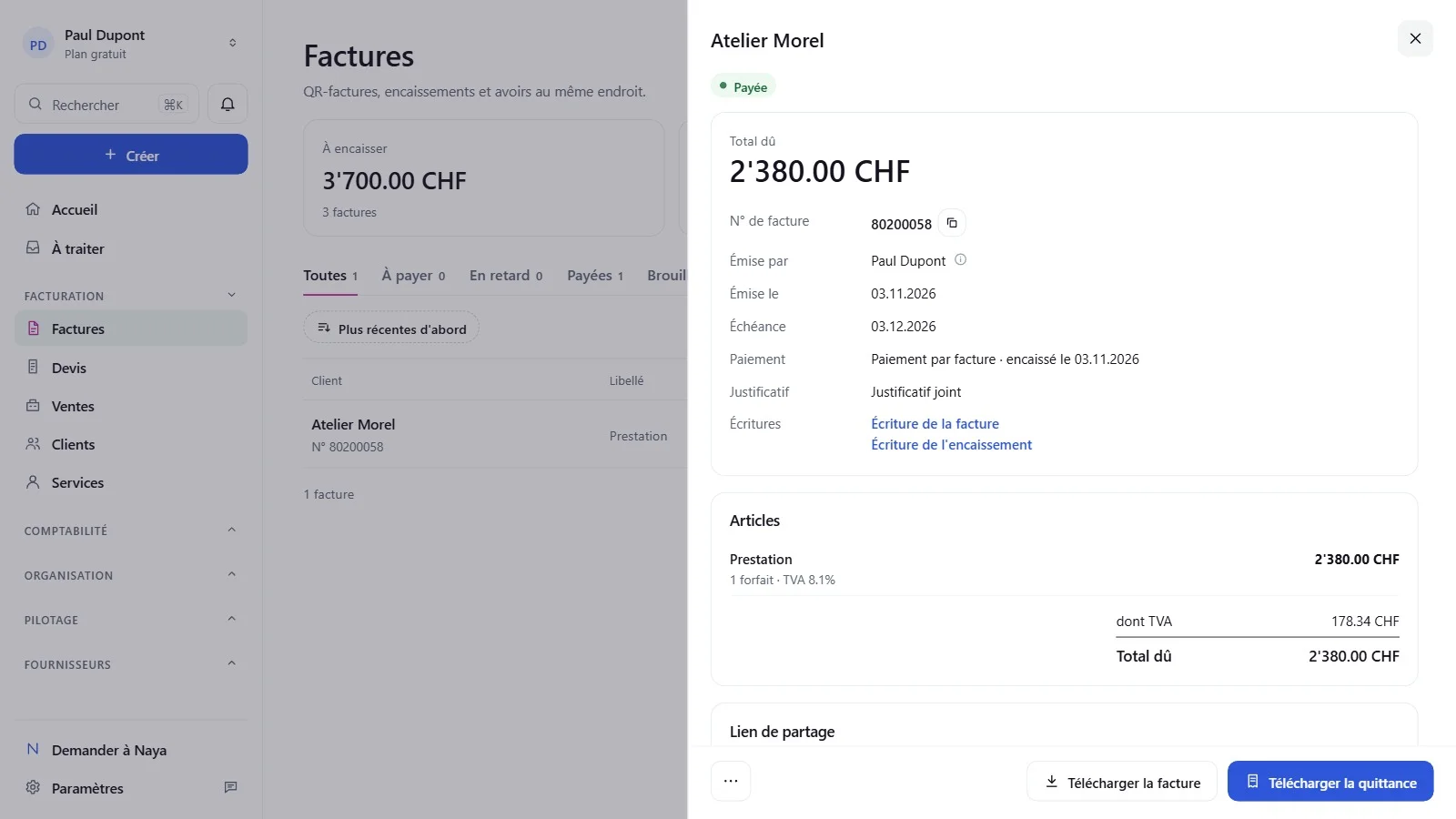
To get started, a two-minute guided tour walks you through the full journey: a quote, its invoice, then the receipt.
On your phone, everything stays within thumb's reach
- A bottom bar with four pages of your choice; the rest are under "More".
- A + button at the top right to create a sale, a quote or an appointment.
- A long press on a row for common actions: open, delete.
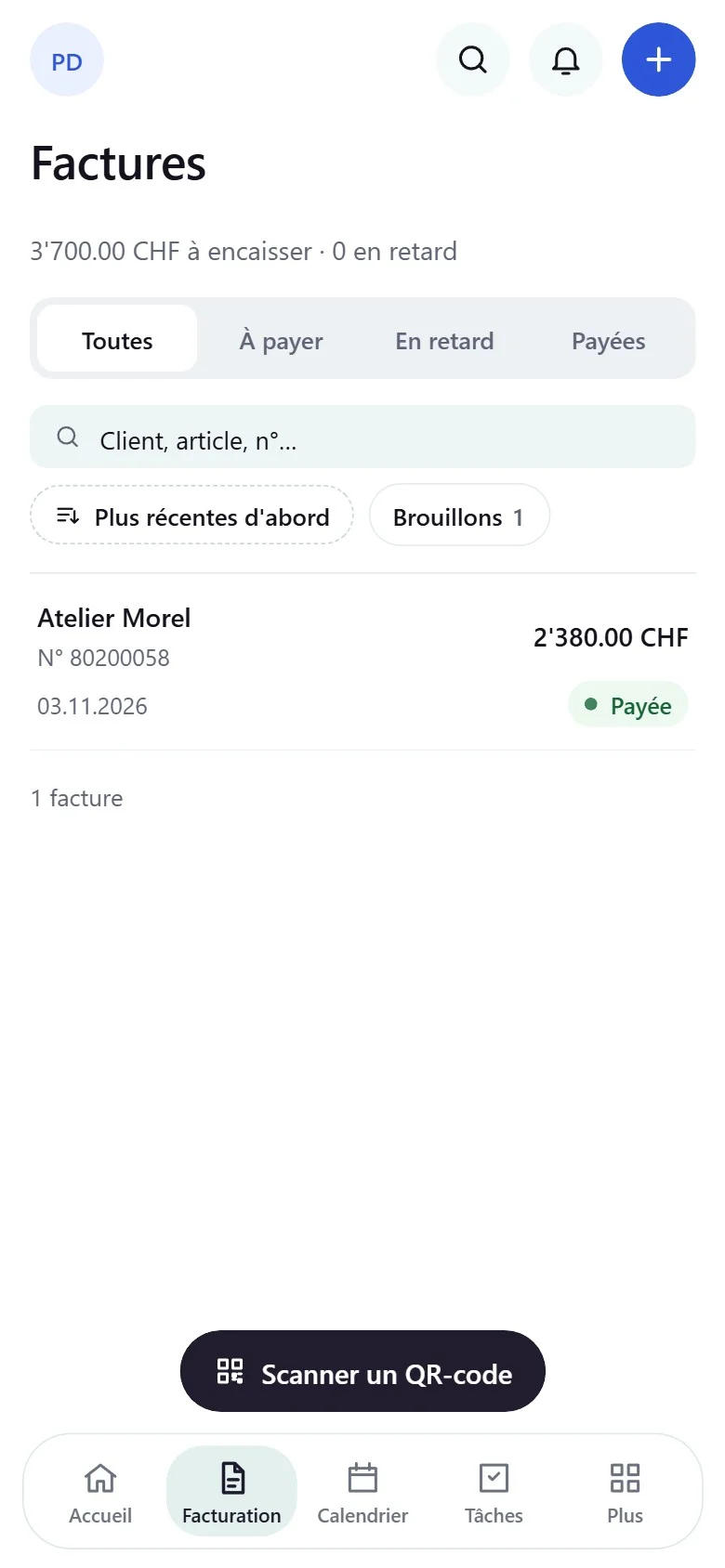
Invoicing: overdue payments stand out immediately
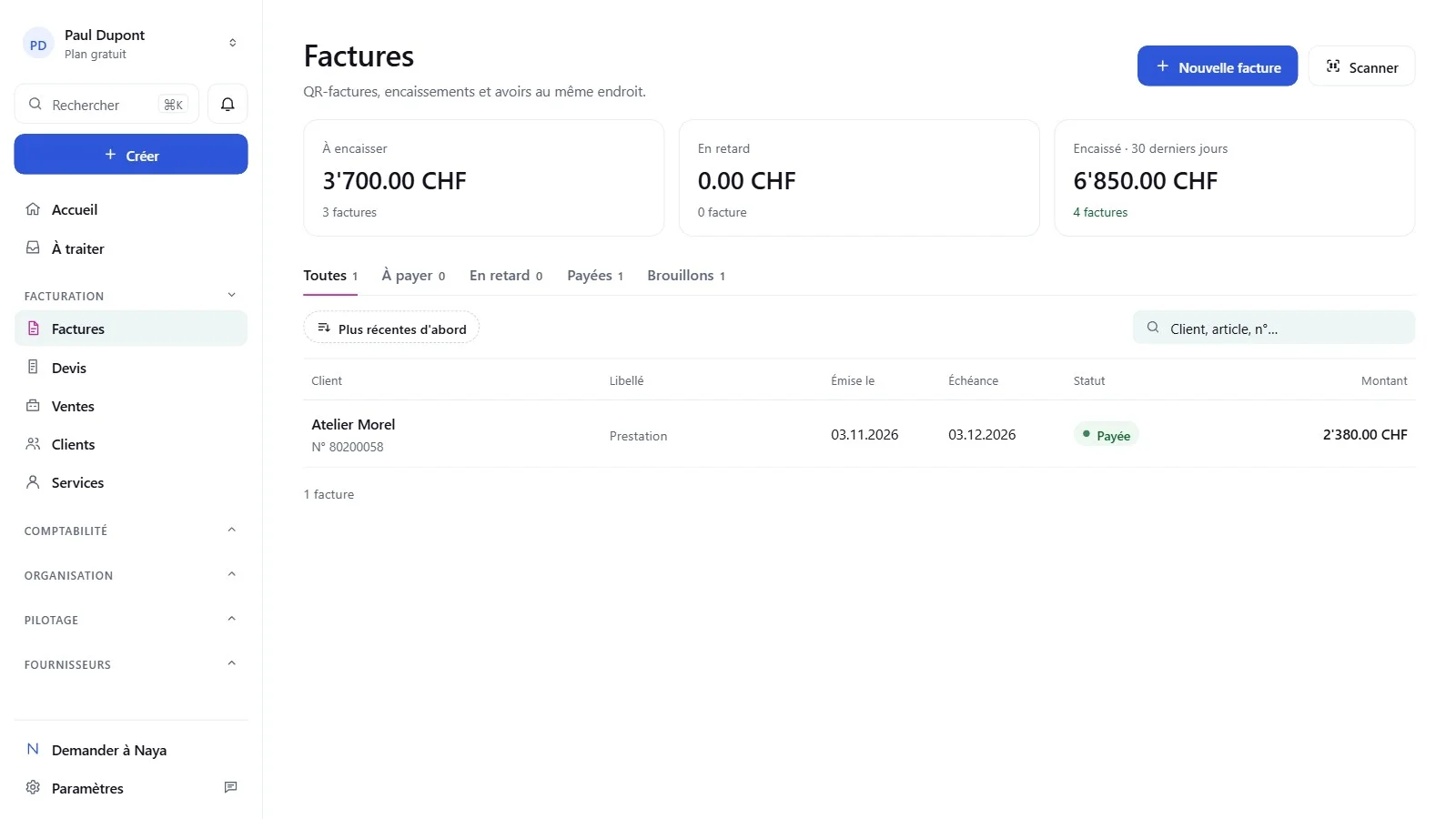
Invoice, receipt and quote lists are clearer and include an "Overdue" tab. At a glance you can see which clients haven't paid yet and how much they owe. The Swiss QR-bill is still included, even on the free plan.
Another long-awaited change: emails are sent from your own address. Invoices, quotes and receipts go out through your own mail server, through Gmail or Outlook, or through GoLynk. Clients recognise the sender, and replies land in your usual inbox.
Automatic reminders for unpaid invoices (GoLynk Pro)
With GoLynk Pro, payment reminders go out on their own once the due date has passed:
- Up to five reminders after the due date, with a different text for each one.
- A preview of the email using your real clients before it is sent.
- For each invoice, how many reminders have gone out and when the next one is due.
- An invoice still unpaid after the last reminder is flagged at the top of your home page.
Accounting: pick up your books where they are
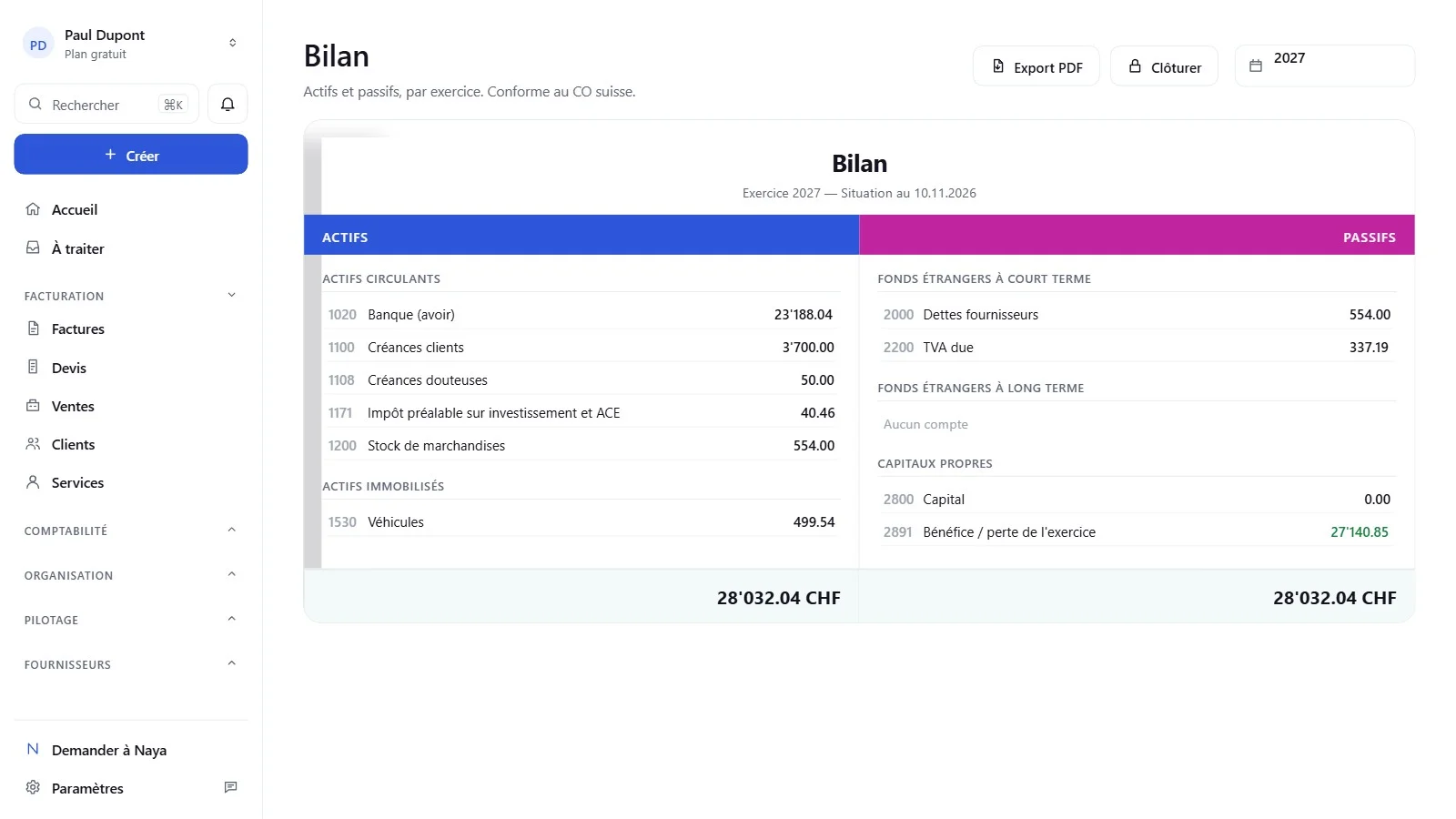
Switching software mid-year? GoLynk 3.0 imports bookkeeping kept in Bexio or Banana. From Bexio, import the general ledger as Excel or PDF; from Banana, the Excel export or the journal as PDF.
- You review everything before the import.
- Every rejected line is listed with the reason.
- Lines without a contra account can be posted to a suspense account and reclassified later.
- Every account in the future chart of accounts can be renumbered, renamed or removed before the import.
On the export side, the journal, balance sheet, income statement and chart of accounts are available in English, French, German or Italian, as are payslips and salary certificates. The general ledger can be exported account by account as PDF or Excel, and the balance sheet and income statement PDF now compares with the previous financial year on its last page.
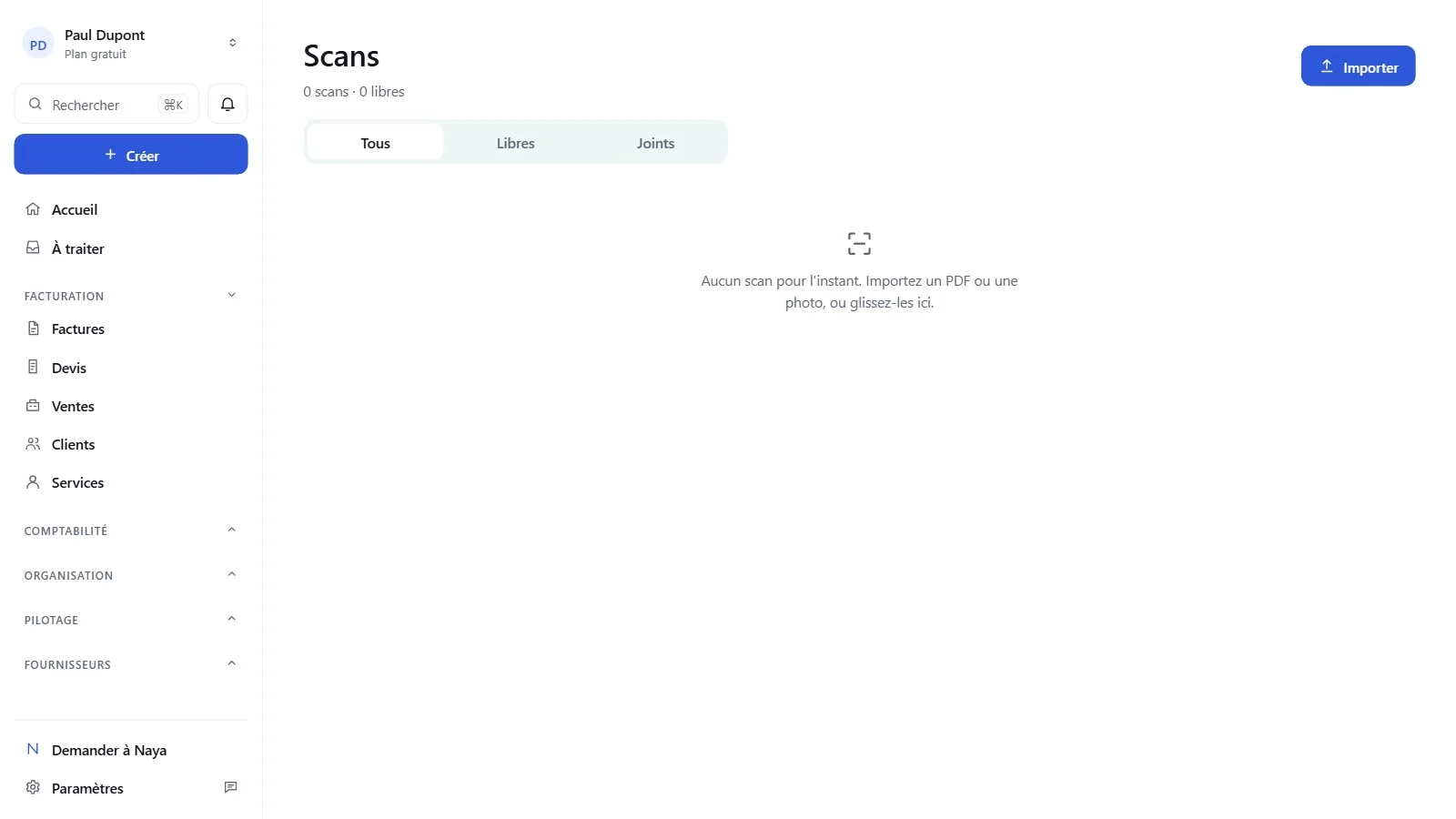
Scan your documents: receipts, invoices and QR codes
No more shoeboxes full of receipts and supplier invoices: with GoLynk 3.0, you scan documents as soon as you receive them and they go straight into your accounting. Each invoice then shows its attached receipt, which makes year-end closing and working with your accountant much easier.
- Drag and drop: drop your receipts anywhere on the Scans page, as a photo or PDF, or use the "Import" button.
- "Scan" button: available directly from the home page and the Invoices page.
- On your phone, the "Scan a QR code" button opens the camera: point it at the QR code of a GoLynk invoice or an item's barcode. The number can also be typed in by hand.
- Neatly organised scans: the Unassigned and Attached tabs separate documents still to be processed from those already linked to an entry or an invoice.
Organisation: unlimited tasks, even for free
Tasks are unlimited, including on the free plan. The calendar keeps its online bookings, and from an appointment you can prepare a quote or invoice with the client and service already filled in.
GoLynk Work: your point of sale ready in five steps
The first time you open GoLynk Work (included in GoLynk Pro), an assistant sets up your till: its name, the payment methods you accept and their fees if you know them, your items imported from GoLynk, and the receipt format. Everything can be changed later in the settings.
Your account: start over without losing your settings
A new Reset option empties the account's content (accounting, invoices, clients…) while keeping your login, your settings and your subscription. A quick setup is then offered: handy after a trial period.
Free plan or GoLynk Pro: which one is right for you?
The free plan remains complete for invoicing and bookkeeping, Swiss QR-bill included. The only visible difference: emails sent from a free account carry a small "Sent with GoLynk" note. It disappears with GoLynk Pro, which adds:
- Unlimited projects
- Online booking
- GoLynk Work, the point of sale
- The API, connection to your AI and automations, reminders included
- The link with your accountant
- Payroll
When you upgrade to Pro, a "Welcome to GoLynk Pro" page shows what's new and sets up the essentials in a few clicks.
Frequently asked questions about GoLynk 3.0
Does my data change with GoLynk 3.0? No. Your accounts, invoices and clients stay as they are; only the interface and a few tools evolve.
Where do I find my pages? In the menu on the left, organised as before under Invoicing, Accounting, Organisation and Management. The fastest way is still Ctrl K search (⌘K on Mac).
Are automatic reminders included in the free plan? No, they are part of GoLynk Pro: up to five reminders per invoice, with a separate text for each.
Can I import bookkeeping kept elsewhere? Yes, from Bexio (general ledger as Excel or PDF) or Banana (Excel export or journal as PDF), with a line-by-line review before the import.
Can I scan my receipts and invoices? Yes, even on the free plan. Drag a photo or PDF onto the Scans page, use the "Scan" button on the home page, or scan an invoice's QR code with your phone's camera.
Are tasks limited on the free plan? No, tasks are unlimited, on the free plan too.
What's next?
The version for accounting firms and fiduciaries arrives with GoLynk 3.5. In the meantime, you can try GoLynk 3.0: your workspace is free to create, no credit card required.